Roughly 765,800 openings for home health and personal care aides are projected each year across the U.S., according to the Bureau of Labor Statistics. The supply of candidates exists. The demand is enormous. And nearly 6 in 10 job seekers abandon applications before finishing them, per an HR Dive report on candidate behavior. The gap between available caregivers and filled positions often comes down to a single screen: your mobile application form.
These rules address the recruitment conversion barriers hiding inside your careers page. Each one targets a specific source of home care hiring friction that drives candidates away before they ever speak to a recruiter. Some will feel obvious. The obvious ones are usually the ones nobody has actually fixed.
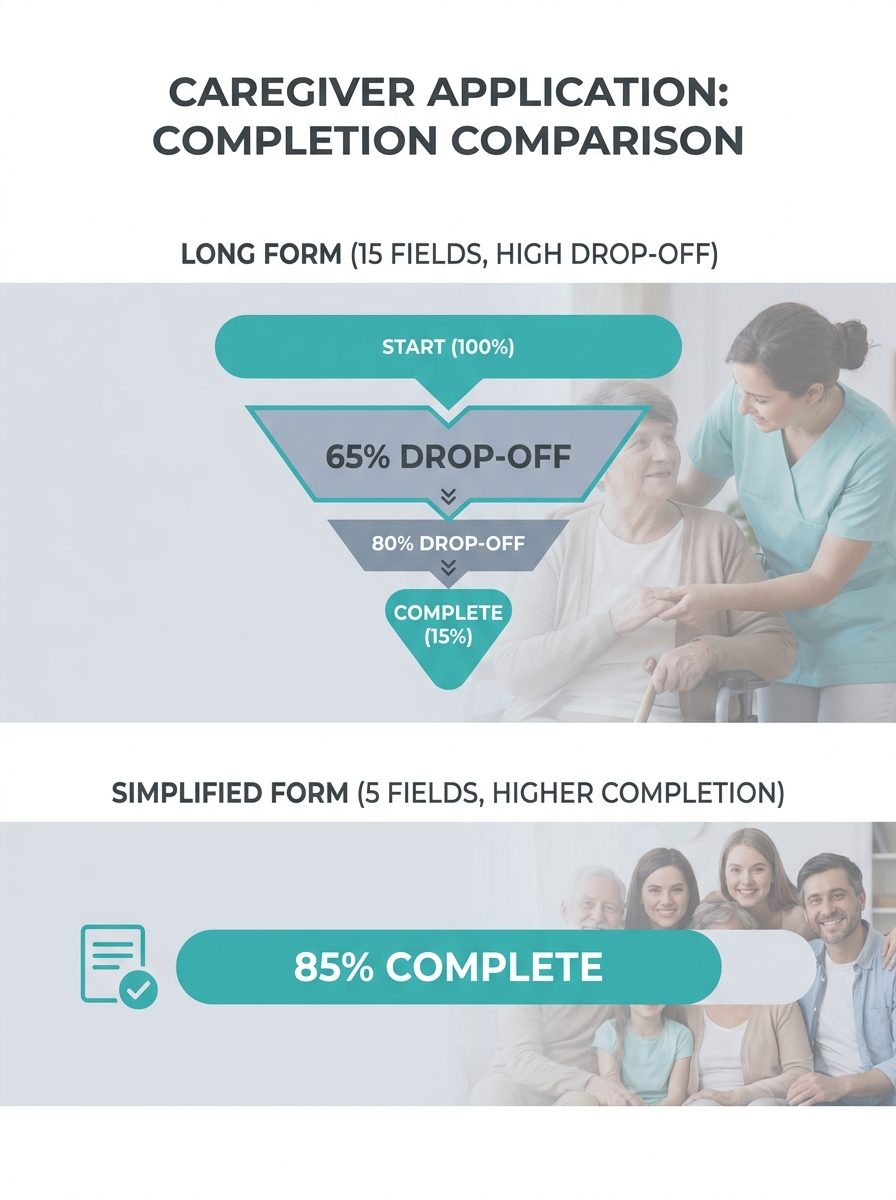
Cut your initial application to five fields or fewer
Every field on your application is a micro-decision for the candidate. Name, email, phone number, zip code, availability preference. That’s five. Anything beyond that on a first-touch form is a tax on someone who’s probably applying to three other agencies at the same time from their phone screen during a break.
The instinct to collect everything upfront (certifications, references, work history, emergency contacts) makes sense from an operations standpoint. You need that data eventually. But “eventually” is the key word. Caregiver application optimization means splitting your intake into stages: capture interest first, gather details after you’ve made human contact.
When this rule breaks: if your state requires specific licensure verification before you can even schedule an interview (as Oregon does for home care worker registration), you may need one or two additional fields. But label them clearly, and explain in plain language why you’re asking. “Oregon law requires us to verify this before your first interview” removes ambiguity.
Design every screen for a thumb, not a cursor
Your recruiter reviews applications on a laptop. Your candidates fill them out on a phone, often a phone with a cracked screen protector and three years of wear. If your application wasn’t built with web design for home care providers in mind, the candidate experience probably reflects that.
Specific things that break on mobile: dropdown menus with 50+ options (try scrolling through a list of all U.S. states on a 5-inch screen), file upload buttons that open the wrong directory, multi-page forms that lose progress when a candidate switches apps to check a text, and tiny checkboxes that require surgical-grade finger precision.
Apploi’s research on what caregivers want in a job application confirms this directly: optimize your applications for mobile so caregivers can apply from wherever they are. Since candidates don’t have to wait until they’re at a desktop, they can respond faster to your outreach, too.
When this rule breaks: it doesn’t, really. Even if some of your applicants are desktop users, a mobile-first form works fine on desktop. The reverse is never true.
Tip: Open your careers page on your personal phone right now. Try to complete the application with one hand. If you can’t finish in under 90 seconds, your candidates can’t either.
Kill the resume upload on your first-touch form
Caregivers, by and large, do not have a PDF resume sitting in their phone’s file manager ready to attach. Many experienced aides have never needed a formal resume because hiring in this field has historically happened through word of mouth, staffing agencies, or walk-in interviews.
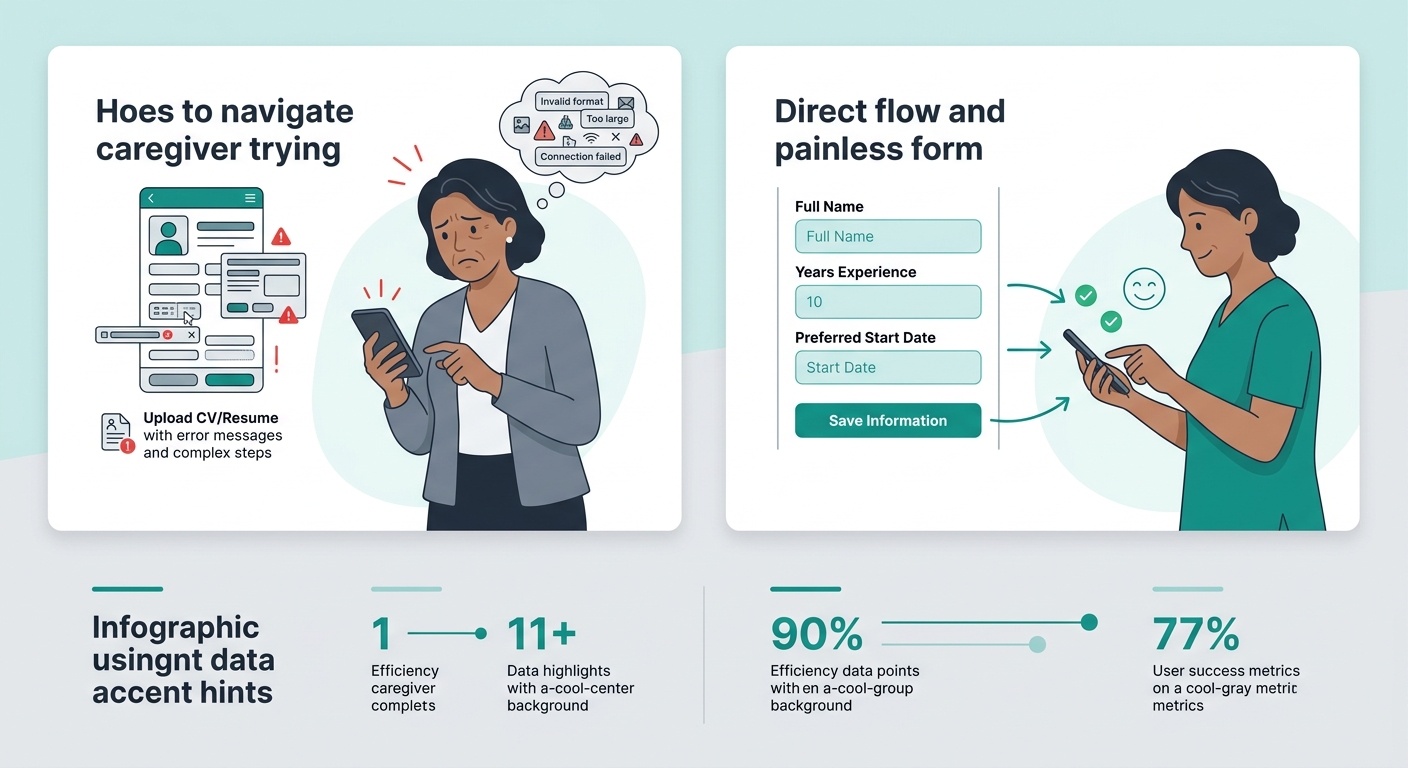
Requiring a resume upload on your initial mobile application creates one of the most common recruitment conversion barriers in home care hiring. The candidate sees the mandatory upload field, doesn’t have a file ready, and closes the tab. You never hear from them. They never hear from you. A perfectly good CNA with eight years of experience disappears from your pipeline because of a form field.
Replace the resume upload with two or three short text fields: “Briefly describe your caregiving experience,” “Do you have any active certifications? If yes, which ones?” and “When are you available to start?” You can collect the formal documentation during onboarding.
This approach aligns with the broader principle of frictionless onboarding, which means removing every digital and administrative hurdle between a candidate’s “yes” and their first shift.
Respond to every submission within ten minutes
Speed-to-contact is where mobile caregiver recruitment strategies succeed or fail. A candidate who applies at 2:15 PM and receives a text at 2:22 PM saying “Hi [Name], thanks for applying to Sunrise Home Care. Can you talk for five minutes today or tomorrow?” is dramatically more likely to convert than one who gets a templated email 48 hours later.
The reason is straightforward: your applicant applied to other agencies within the same hour. The first agency to make real human contact wins. If you’ve invested in writing strong job ads for caregivers and driving traffic through local keyword strategies, all of that effort evaporates when response time lags.
The first agency to make real human contact wins. Everything else is a tiebreaker.
Auto-responders help bridge the gap, but they can’t replace a real conversation. Set up an automatic text acknowledgment for immediate confirmation, then build a workflow where a recruiter personally follows up within the hour. Tools like your ATS (applicant tracking system) or CRM can trigger alerts to keep this timeline tight.
When this rule breaks: overnight and weekend applications obviously can’t get an immediate personal call. But even then, a well-written auto-text that sets expectations (“We got your application. Our team will call you Monday before noon.”) prevents the candidate from assuming they’ve been ignored.
Test your own application on the cheapest phone in the building
This rule sounds trivial. It is the single most revealing exercise you can run. Grab the oldest smartphone anyone on your staff is willing to lend you. Open your careers page in the default browser. Complete the entire application, including any account creation, email verification steps, document uploads, and confirmation screens.
Time yourself. Note every moment where you have to pinch-zoom, scroll sideways, wait for something to load, or guess what a button does. Those moments are the exact points where candidates drop off. The research is clear: the biggest job search frustrations stem from confusing application processes and lack of communication, and those frustrations cause candidates to give up entirely.
Your office team is probably testing on recent iPhones or Pixels with fast Wi-Fi. Your candidates are often on older devices with cellular data. That gap in experience is where home care hiring friction lives, and you can only see it by stepping into that environment yourself.
If your website conversion optimization efforts haven’t extended to your recruitment pages, you’re optimizing the wrong funnel. The caregiver application deserves the same scrutiny you’d give your client intake form.

Follow up with text, not just email
Email open rates for recruitment messages in caregiving hover in depressing territory. Text messages, on the other hand, get read within minutes. If your entire post-application communication flow runs through email, you’re sending messages into a void.
Collect a cell phone number as one of your five initial fields, and make text your primary communication channel for interview scheduling, document requests, and onboarding reminders. Be transparent about how you’ll use the number. And always give candidates an easy way to opt out.
This connects to a larger pattern: agencies that treat content strategy for care providers as something that applies to both client-facing and candidate-facing communication tend to build stronger pipelines on both sides of the business.
When this rule breaks: some candidates prefer email, especially those applying for supervisory or clinical roles. Offer both channels, but default to text for aide-level recruitment.
When These Rules Break
Every rule above assumes a reasonably healthy employer brand and competitive compensation. If your starting wage is $3 below the local average, or if your Glassdoor reviews describe chronic understaffing and disrespectful management, a beautiful mobile application won’t save your pipeline. The top reasons workers cite for planning to leave include inadequate compensation, burnout, and lack of advancement opportunity. No amount of caregiver application optimization will fix those.
These rules also assume you’re measuring the right things. If you track “applications received” without tracking “applications started versus completed” and “time from submission to first human contact,” you’re flying blind. The recruitment conversion barriers described here are invisible without stage-by-stage data.
And one more caveat: removing friction from the application doesn’t mean removing judgment from the hiring process. Background checks, reference verification, skills assessments, and licensure confirmation still happen. They happen later, after you’ve earned the candidate’s attention and time. The shift is sequential, not permissive.
The agencies filling their open roles right now aren’t the ones with the biggest Indeed budgets. They’re the ones who made it possible for a qualified caregiver to go from “I’m interested” to “I have an interview scheduled” in under ten minutes, from whatever phone they happen to be holding.